





Member support
24/7Help with accounts and access
Find your favourite game providers in one place. Explore live casino, slots and sports through A9PLAY, with account, app and eWallet guides to help you get started.
Help with accounts and access
Find your preferred provider
Account and wallet guidance
Android, iOS and desktop guides
GAME PROVIDERS
Browse by category or search for a provider.
10 providers
Try another name or choose a different category.
GETTING STARTED
Use the member registration service and check the website address.
View guideEnter your own phone number and accurate account details; review the terms before submitting.
View guideChoose Android, iOS or desktop and follow the relevant access guide.
View guideCheck funding methods, account verification and limits before you use the wallet.
View guideA9PLAY ON YOUR DEVICE
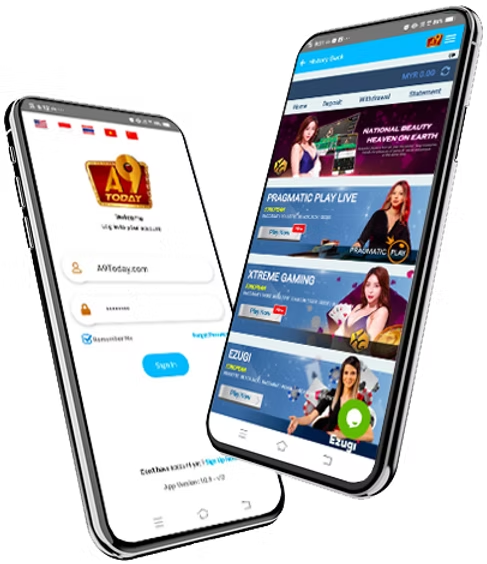
ABOUT THE PLATFORM
A9PLAY connects slots, live casino and sports through an eWallet account. This website brings the provider directory and practical account guides together, so you can find the information you need before continuing to the platform.
More about A9PLAYStart with the registration guide, then continue to the A9PLAY registration service. Use your own phone number and accurate personal details. Review the terms and age requirements before submitting.
Open Member Login from the top navigation. The page links to the member service used by A9PLAY. The Agent menu contains the agent account access guide.
Sign in to your member account and open Deposit. Choose an available payment method, check any offer conditions and confirm the amount before continuing. Our top-up guide explains the steps.
Make sure your bank details and account name are correct. Review the current withdrawal limits and verification requirements inside your account. Keep the transaction reference until the request is completed.
Read the guide, choose your device and get to know your account.